
Tools
Introduction
Tools perform different operations on elements. These tools include:
- Transformation
- Scale
- Rotation
- Extrusion
- Subdivision
- Beveling
- Knife
- Loop-Cut
- Merging
- Insetting
- Roofing
There are also a few tools that do not pertain to modeling. These are:
- Camera
- Shape
You can find documentation for each tool in the application proper, by going to the tutorial panel. See help for more info.
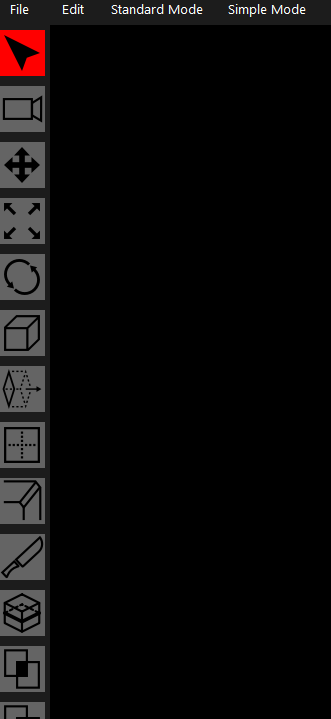
Tool Panel
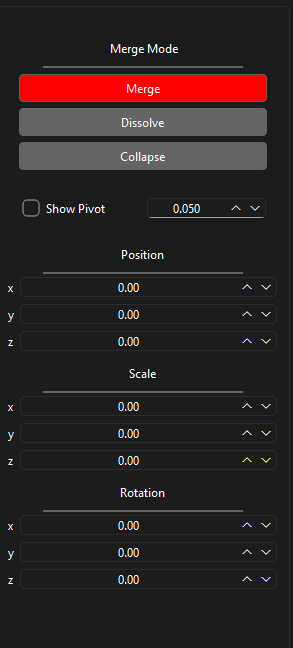
Every tool has a properties panel that is located to the right of the viewport. Different tools can have different special properties and settings that the user may select.